Cairn#
A cairn is a human-made pile of stones raised as a marker — used for centuries to guide travellers, mark summits, and preserve important locations.
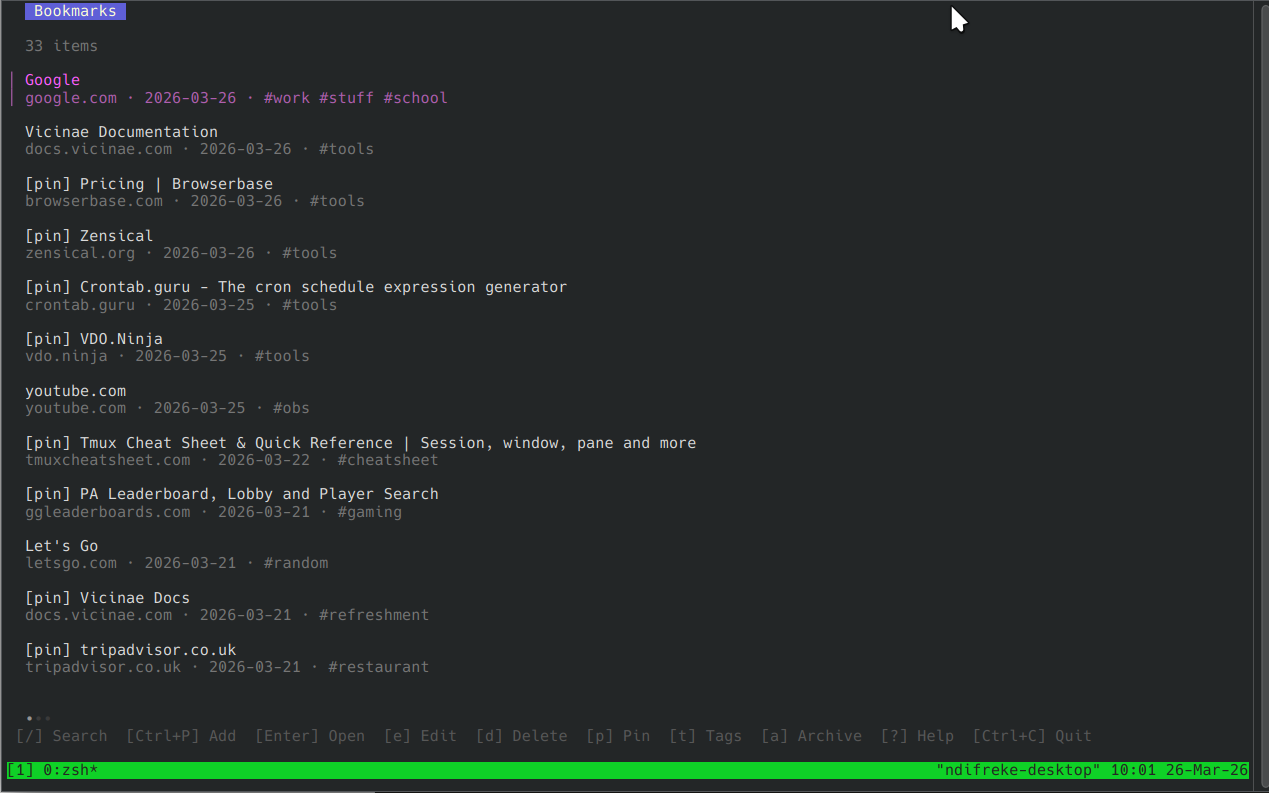
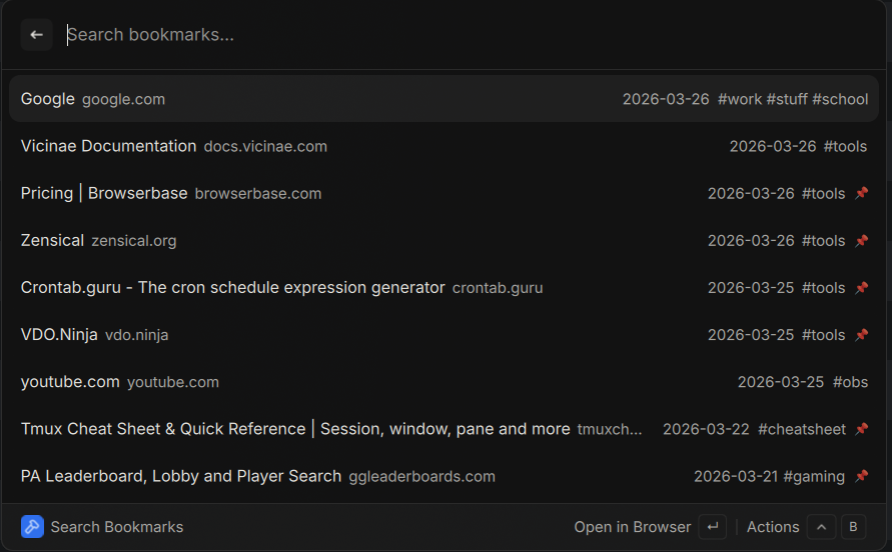
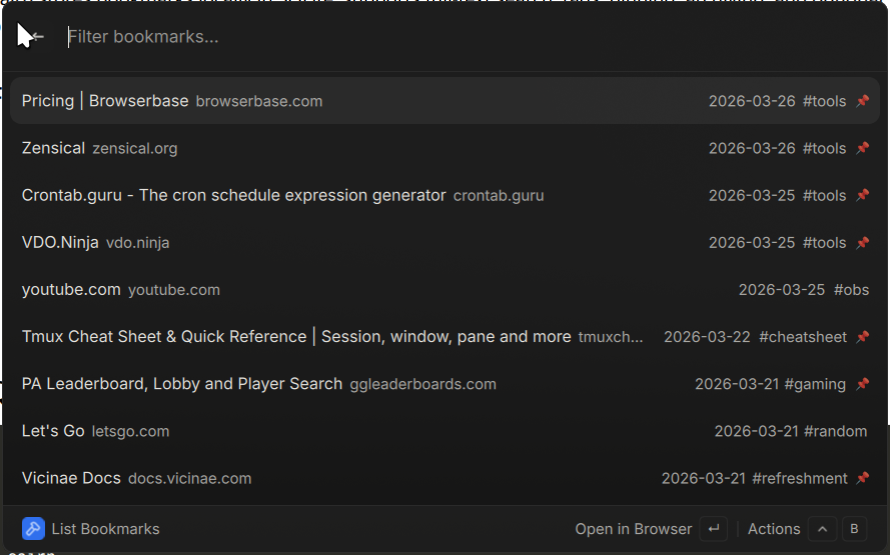
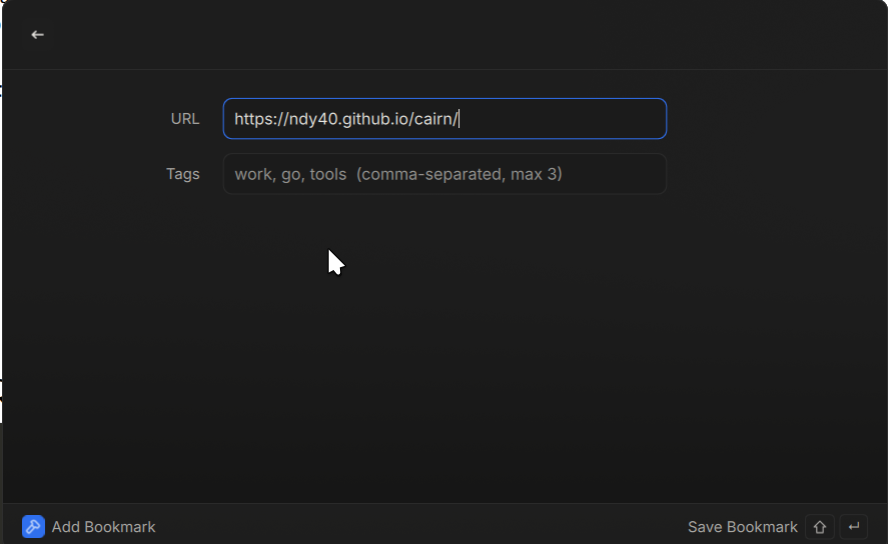
Cairn is a CLI bookmark manager with a terminal UI and a Vicinae browser extension. Like its namesake, it helps you mark the places worth returning to.
Cairn stores bookmarks locally in SQLite, supports full-text search, tags, pinning, archiving, and optional Dropbox sync across machines.
Motivation#
Cairn was built out of a handful of honest frustrations — and a few genuine pleasures.
Browser bookmarks are held hostage. Switching browsers, logging in on a new machine, or simply preferring not to be tied to a vendor’s sync ecosystem means your bookmarks are either locked away or scattered across devices. Cairn stores everything in a local SQLite database that you own outright — no account, no vendor, no sync subscription required.
The terminal is home. Between Claude Code, Lazygit, and a growing roster of CLI tools, more and more of daily work happens at a prompt. A TUI bookmark manager fits naturally into that workflow — keyboard-driven, fast, and always within reach.
Go is worth building in. Cairn is also a vehicle for exploring Go seriously: a compiled, statically linked, dependency-light binary that produces something genuinely useful rather than a toy project.
Agents should build real things. Cairn was written as an experiment in agentic development — using AI assistance to design, implement, and iterate on a fully functional application from scratch. It is, in that sense, both the tool and the proof of concept.
Features#
- Interactive TUI — browse, search, and manage bookmarks with a keyboard-driven interface
- Full-text search — powered by SQLite FTS5 for fast, accurate results
- Tags, pinning, archiving — organise bookmarks your way
- Dropbox sync — keep bookmarks in sync across multiple machines
- JSON output — pipe results into scripts or other tools
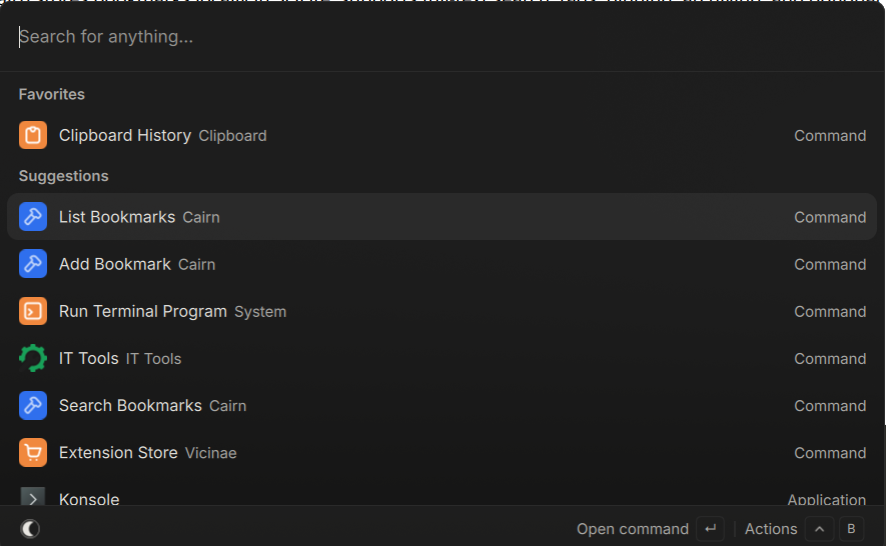
- Vicinae extension — save and search bookmarks directly from the Vicinae browser launcher
- Static binary — single binary with no runtime dependencies (CGO_ENABLED=0)
Screenshots#
CLI#
Vicinae Extension#
Quick Start#
# Install (Linux / macOS)
curl -sSL https://raw.githubusercontent.com/ndy40/cairn/main/install.sh | sh

# Launch the TUI
cairn

# Add a bookmark
cairn add https://example.com --tags "reading,tools"

# Search
cairn search "golang"
See Installation for more options or Quickstart to get up and running fast.
Documentation#
- Installation — Download the binary or build from source.
- Quickstart — Get up and running in minutes.
- CLI Reference — Complete command and flag reference.
- Configuration — Config file, env vars, and precedence.
- Dropbox Sync — Sync bookmarks across devices.
- Vicinae Extension — Save and search from the browser launcher.
- Security — Credential storage and best practices.
- Architecture — How Cairn is built.