Cairn#
A cairn is a human-made pile of stones raised as a marker — used for centuries to guide travellers, mark summits, and preserve important locations.
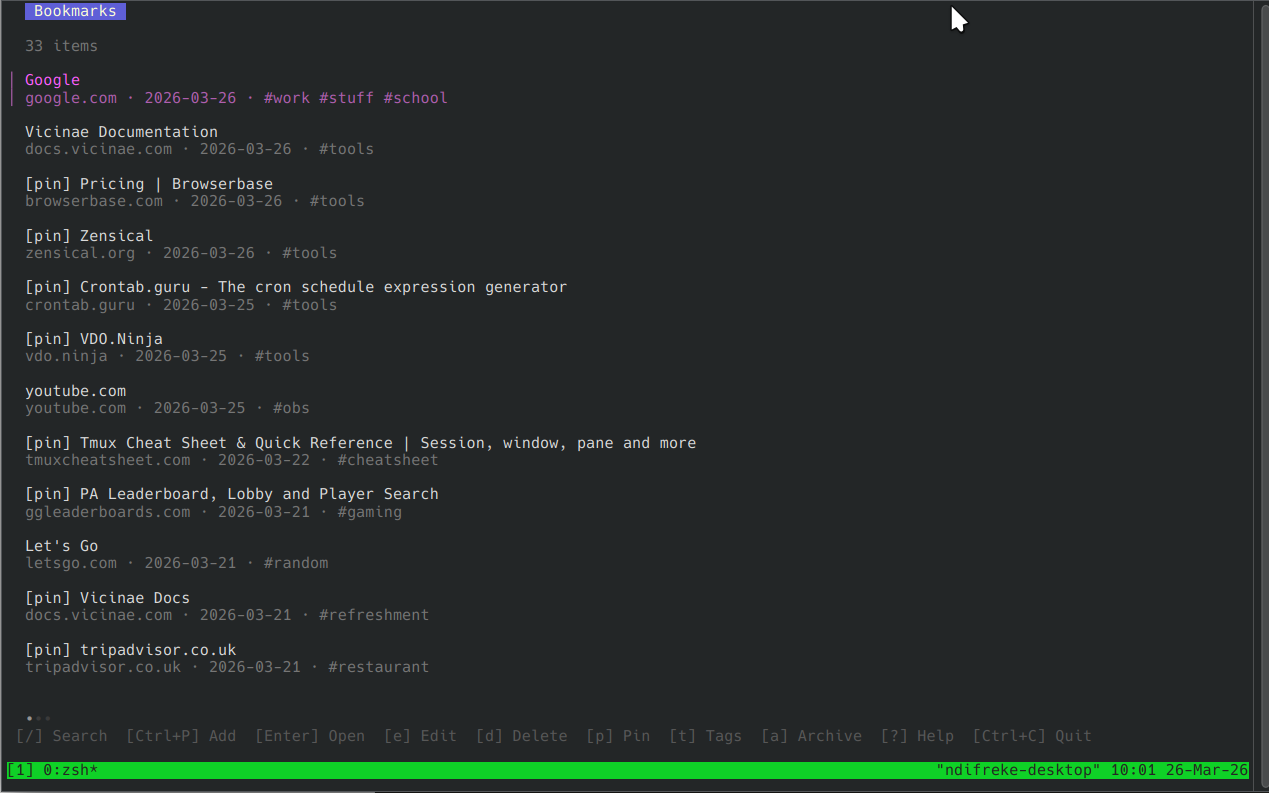
Cairn is a CLI bookmark manager with a terminal UI and a Vicinae browser extension. Like its namesake, it helps you mark the places worth returning to.
Cairn stores bookmarks locally in SQLite, supports full-text search, tags, pinning, archiving, and optional Dropbox sync across machines.
Features#
- Interactive TUI — browse, search, and manage bookmarks with a keyboard-driven interface
- Full-text search — powered by SQLite FTS5 for fast, accurate results
- Tags, pinning, archiving — organise bookmarks your way
- Dropbox sync — keep bookmarks in sync across multiple machines
- JSON output — pipe results into scripts or other tools
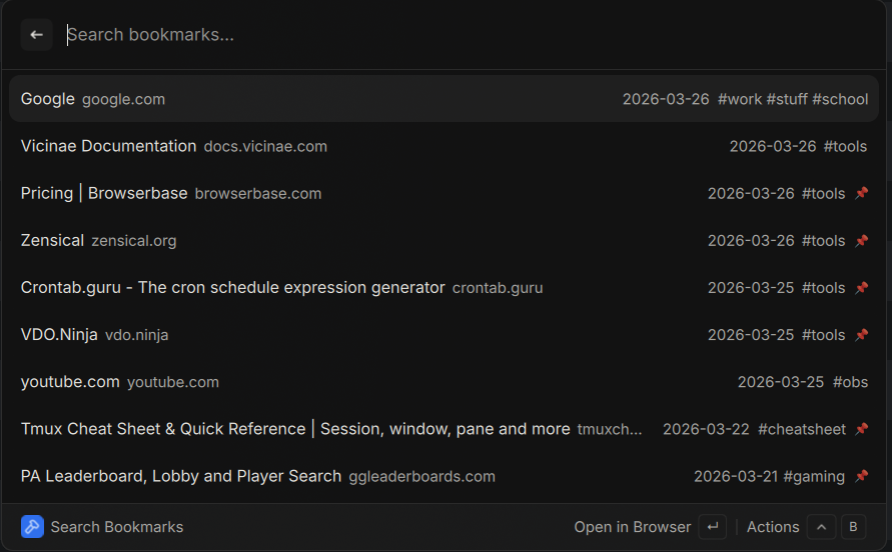
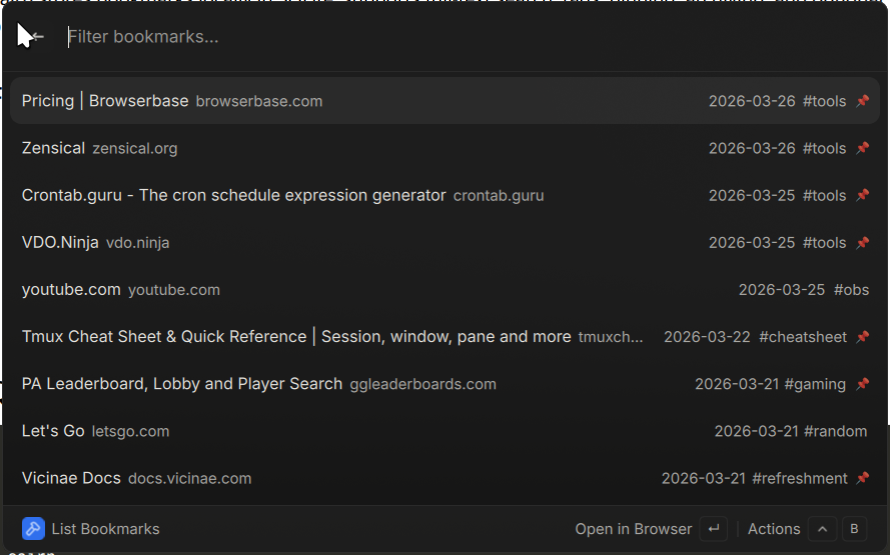
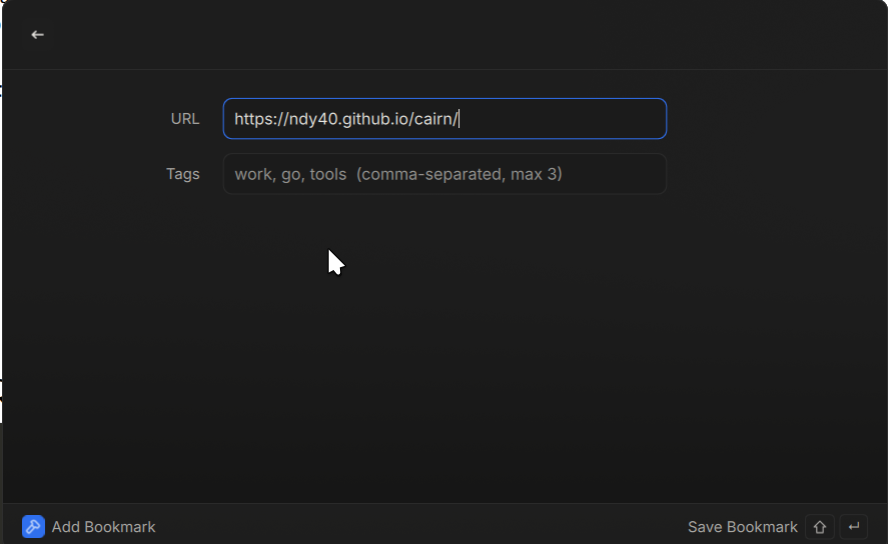
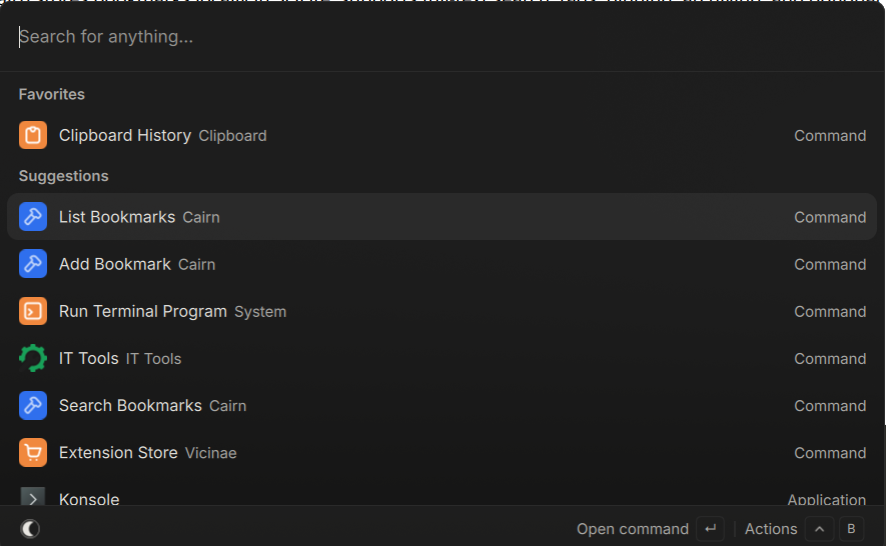
- Vicinae extension — save and search bookmarks directly from the Vicinae browser launcher
- Static binary — single binary with no runtime dependencies (CGO_ENABLED=0)
Screenshots#
CLI#
Vicinae Extension#
Quick Start#
# Install (Linux / macOS)
curl -sSL https://raw.githubusercontent.com/ndy40/cairn/main/install.sh | sh

# Launch the TUI
cairn

# Add a bookmark
cairn add https://example.com --tags "reading,tools"

# Search
cairn search "golang"
See Installation for more options or Quickstart to get up and running fast.
Documentation#
- Installation — Download the binary or build from source.
- Quickstart — Get up and running in minutes.
- CLI Reference — Complete command and flag reference.
- Configuration — Config file, env vars, and precedence.
- Dropbox Sync — Sync bookmarks across devices.
- Vicinae Extension — Save and search from the browser launcher.
- Security — Credential storage and best practices.
- Architecture — How Cairn is built.